

Installer / Job Map
Your day, mapped out.
Your jobs, route, and installation details in one place.
Sample account · demonstration data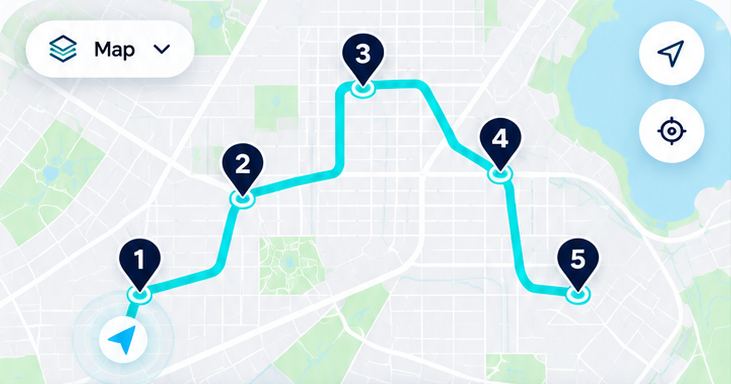
Illustrative map · route changes below do not update this image.
Today’s Jobs
Installation Workflow · Sample job
Gated Installation Workflow (11 Milestones)
Job job_demo_001 • Tier: Mid (Aquasana Rhino) • Geotag Tolerance: ≤150m • Chain: VERIFIED (0/11 steps)
- Step 1Delivery Photo + Homeowner "Yes"ACTIVE GATE — Requires Timestamp + Geotag
Capture geotagged delivery photo and explicit homeowner "yes" confirmation.
- Step 2Agreement SignatureLOCKED (Complete previous step first)
Signed installation & homeowner agreement bound to agreement version hash (mocked e-sign).
- Step 3Plumber Arrival PhotosLOCKED (Complete previous step first)
Geotagged arrival photos verifying packaging condition and correct product tier.
- Step 4Plumber Start-Install ConfirmationLOCKED (Complete previous step first)
Confirm correct units on-site and that installer has required tools, materials, and experience.
- Step 5Install Timer StartsLOCKED (Complete previous step first)
Start the timestamped installation duration timer before physical installation begins.
- Step 6Progress Photos + Notifications (Mocked)LOCKED (Complete previous step first)
Step-by-step installation progress photos with mocked SMS and email milestone notifications.
- Step 7Final Install PhotosLOCKED (Complete previous step first)
Geotagged photos of final mounted and connected filtration system with leak & bypass check.
- Step 8Homeowner Digital Sign-Off (Auto-Dated)LOCKED (Complete previous step first)
Homeowner digital signature on the plumber phone, automatically timestamped by the workflow.
- Step 9Water Sample Photo in GlassLOCKED (Complete previous step first)
Plumber flushes and runs the system, then photographs a clear glass water sample.
- Step 10Apera PC60 Before/After Manual EntryLOCKED (Complete previous step first)
Manual entry of before/after readings from Apera PC60 (pH, conductivity, TDS, salinity, temperature; no Bluetooth).
- Step 11Warranty Window ActivationLOCKED (Complete previous step first)
Activate the post-install warranty window for the homeowner to file any issues.